

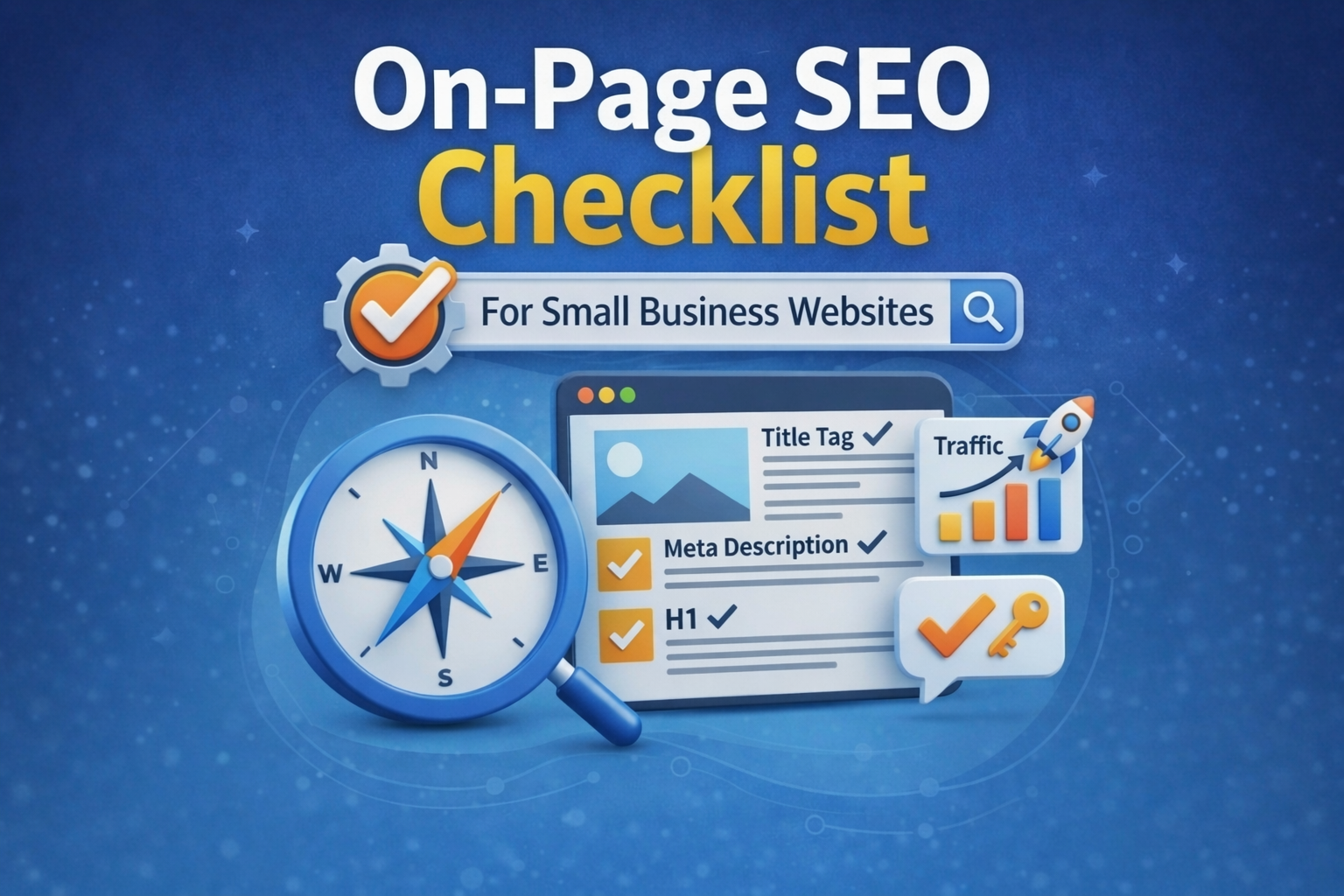
On-page SEO refers to everything you can optimise on your own website pages to rank higher in Google. Unlike link building or technical SEO, most of these fixes are within your control right now — no developer needed for many of them.
Work through this checklist for every page on your site, starting with the most important ones: your homepage and main service pages.
Utilizing an on-page seo checklist is essential for maximising your SEO efforts.
This on-page seo checklist will help you ensure that your website is optimised for search engines. Following this on-page seo checklist will lead to better rankings and visibility.
Before You Start: Install Yoast SEO
Yoast SEO is a free WordPress plugin that guides you through on-page optimisation. Install it from your WordPress dashboard (Plugins > Add New > search ‘Yoast SEO’). Once installed, every page will show an SEO analysis panel at the bottom of the editor.
The On-Page SEO Checklist
1. Set a unique focus keyword for every page
Every page should target one primary keyword phrase. Use Google’s free Keyword Planner or simply type your topic into Google and look at the ‘People also ask’ section for related phrases. Don’t target the same keyword on two different pages — they’ll compete against each other.
Adhering to an on-page seo checklist ensures that you are targeting the right keywords effectively.
2. Write a compelling title tag (50–60 characters)
The title tag is what appears in Google search results as the blue clickable link. It should include your target keyword and a reason to click. Example: ‘WordPress Website Design for Coaches | WebLabs Pro’.
3. Write a meta description (140–160 characters)
The meta description appears below the title in search results. It doesn’t directly affect ranking but it affects click-through rate — which does. Write it like an ad: lead with the benefit, include a call to action, match what the searcher wants.
4. Use your keyword in the H1 heading
Every page should have exactly one H1 heading — the main title of the page. It should include your target keyword naturally. Don’t stuff multiple keywords into it; just make sure the core phrase is present.
Incorporate the on-page seo checklist into your content strategy to enhance discoverability.
5. Use H2 and H3 subheadings logically
Break your content into sections with H2 headings and subsections with H3. This helps Google understand the structure of your content and helps users scan it. Include related keywords and questions in your subheadings where natural.
Each step on the on-page seo checklist is designed to improve your website’s performance.
6. Write at least 300 words of unique content
Thin pages (fewer than 300 words) rarely rank well. For service pages, aim for 500–800 words. For blog posts, 1,200–2,000 words is typically the sweet spot for competitive keywords.
7. Include your keyword in the first 100 words
Mention your target keyword naturally within the first paragraph. This signals to Google what the page is about from the very start.
Your first paragraph should reference the on-page seo checklist to establish relevance.
8. Optimise every image
Every image needs: (a) a descriptive file name before upload (e.g. ‘wordpress-website-design-coach.jpg’, not ‘IMG_4532.jpg’) and (b) alt text describing the image, including your keyword where relevant. This also helps with image search.
9. Set a clean, keyword-containing URL slug
Your URL should be short and descriptive. Example: weblabspro.com/wordpress-website-cost — not weblabspro.com/?p=312. In WordPress, you can edit the URL slug in the page/post settings.
Make sure to include key elements from the on-page seo checklist in every page’s URL slug.
10. Add internal links to relevant pages
Link from this page to at least 2 other relevant pages on your site using descriptive anchor text. For example, a services page should link to individual service pages. This helps Google understand your site structure and keeps visitors engaged longer.
Using the on-page seo checklist will help you create valuable internal links.
11. Add external links to authoritative sources
One or two outbound links to authoritative external sources (Google, a relevant industry body, a well-known publication) signals to Google that you’ve done your research. Link out where it adds genuine value for the reader.
12. Check your page loads in under 3 seconds
Test your page speed at pagespeed.web.dev. If it fails, the most common fixes are: compress images (use TinyPNG), install a caching plugin (WP Rocket), and choose faster hosting.
Regularly reviewing your page speed is also part of the on-page seo checklist.
13. Make sure it’s mobile-friendly
Test at search.google.com/test/mobile-friendly. Since Google uses mobile-first indexing, a broken mobile layout will actively hurt your desktop rankings too.
14. Check for duplicate content
Each page should have unique content not copied from other pages on your site or from other websites. Duplicate content confuses Google and can hurt rankings for both pages.
To avoid issues, ensure your content is unique as indicated in the on-page seo checklist.
Quick Reference Table
|
Element |
Where to Set It |
Tool |
|
Focus keyword |
Yoast SEO panel |
Yoast SEO (free) |
|
Title tag |
Yoast SEO > Snippet editor |
Yoast SEO (free) |
|
Meta description |
Yoast SEO > Snippet editor |
Yoast SEO (free) |
|
H1 heading |
Page/post editor |
WordPress editor |
|
Image alt text |
Image settings in media library |
WordPress editor |
|
URL slug |
Page settings > Permalink |
WordPress editor |
|
Page speed |
pagespeed.web.dev |
Google (free) |
|
Mobile test |
search.google.com/test/mobile-friendly |
Google (free) |
How WebLabs Pro Handles On-Page SEO
Every website we build includes Yoast SEO installed and configured, keyword-targeted title tags and meta descriptions for every page, properly structured headings, compressed images with alt text, and a PageSpeed score of 85 or above. This means you’re starting from a strong foundation — not playing catch-up.
Get in touch to learn more, or read our guide on why your website might not be showing up on Google.